Why AirPods Are Not Showing Up On Apple's Find My Map
 Sarah Parker
 Apple's Find My app is great for locating lost or misplaced devices, including AirPods, but the earbuds do have their tracking limitations.
Apple’s Find My service can be a great way to identify the location of many devices, but there are times when an Apple device doesn’t show up on the map and this is particularly true for AirPods. With Apple’s true wireless earbuds being as small as they are, the likelihood of them being lost is higher than with many other devices. Unfortunately, they also come with some additional tracking limitations compared to other Apple devices as well.
AirPods remain a good and popular option for anyone looking for the ultimate in listening freedom, and especially for those already invested in Apple’s ecosystem. Besides the sound quality and seamless connection with Apple devices, the Find My network is also a selling point in itself. Even if just one AirPod is lost, the owner can usually open the Find My app and check the map to see where it is and retrieve the earbud once again.
However, AirPods require a connection to a device to function and this also includes when tracking the earbuds. As the earbuds don’t broadcast a signal on their own, if they are not connected to an iPhone then they are unlikely to show up on a Find My map in general. Therefore, it is worth users checking to make sure Find My is enabled for the connected device before searching for AirPods. In cases where they are lost before Find My has been enabled on the connected device, then it won’t be possible to locate the misplaced AirPods using Find My.
Other Reasons Why AirPods Might Not Show
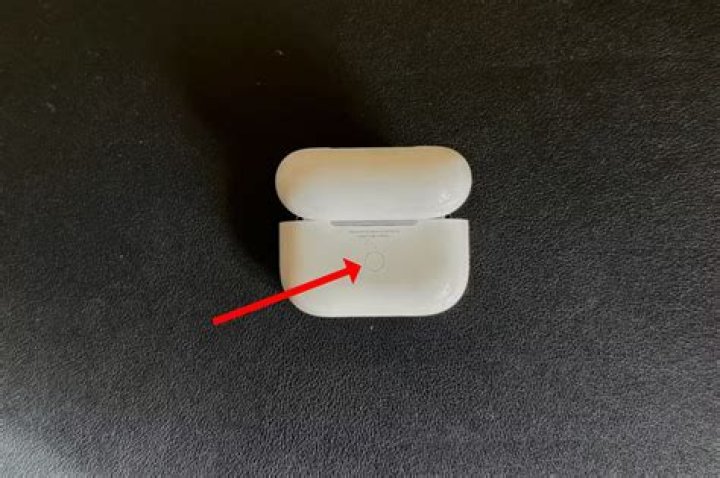
Another very common reason why AirPods can’t be seen on a Find My map is the battery. Like most devices, AirPods need to have some charge available for their current location to be identified and when the battery runs out, that connection is lost. Technically, Find My will still show the last known location of the AirPods, although this will also eventually stop showing after enough time. Similar to no battery, AirPods also cannot be tracked when they are in their charging case. The case itself can’t be tracked and when the AirPods are stored within the case, their ability to be tracked is also disabled. In addition, AirPods also can't be tracked when they are out of range. Whether the issue is battery or range-related, the user will be presented with a “No location found" or "Offline" message instead of their location.
If none of these situations apply, then the problem could be related to the Find My network in general. Apple services can occasionally encounter issues that result in a service disruption, and this includes Find My. However, these are usually short-lived issues with the services typically returning to normal once Apple has identified and fixed the problem.
Next: Can You Charge AirPods Without The Case?
Source: Apple